← Back to Journal
Online Learning
How Online Chess Classes Avoid Screen Fatigue
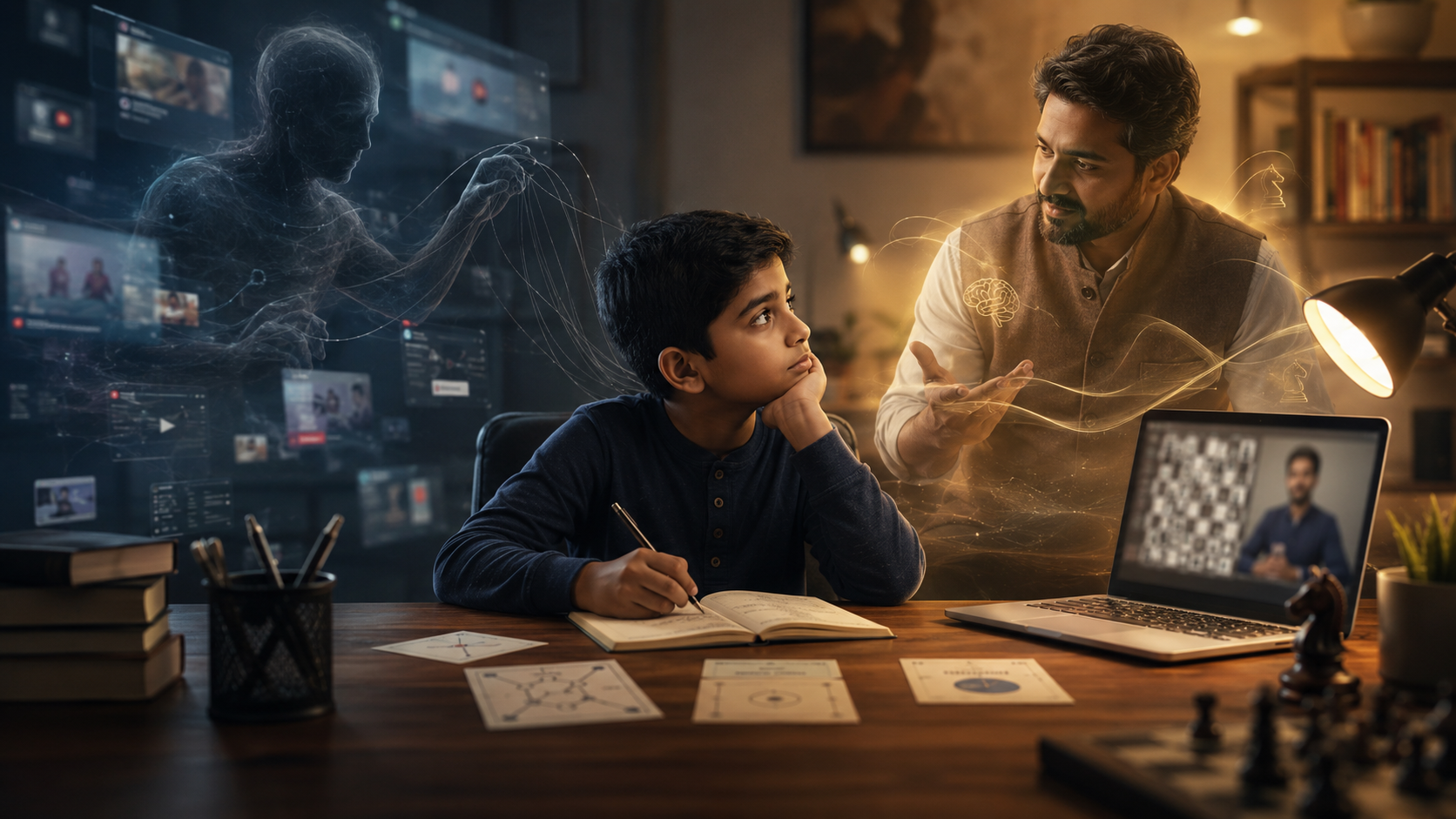
Online chess is still screen time, but a well-designed lesson should not feel like passive watching. The child should think, answer, solve, move, pause, and stay actively involved.
Short Answer
Screen fatigue is reduced when the lesson is active, varied, and age-appropriate.
Online chess classes can feel tiring if the child is only watching and listening. A better lesson uses short focused segments, coach questions, puzzles, guided practice, and natural pauses so the screen becomes a tool for active learning rather than passive consumption.
Why parents worry about screen fatigue
If you are researching online chess classes for your child, screen fatigue is probably somewhere on your list of concerns. You may have already seen what happens after a long stretch of video calls, recorded lessons, or unstructured screen use.
The glazed look, the fidgeting, and the sudden drop in attention are real signs parents notice. It is reasonable to ask whether an online chess class will create the same problem.
The answer depends on how the class is designed. A passive class can become tiring quickly. A structured live lesson, where the child has to think, respond, solve, and explain, works very differently.
Online chess is still screen time
It is important to be honest about this. Online chess coaching is still screen time, so it should be planned thoughtfully, especially for younger children or students who already have a screen-heavy school day.
The difference is that a good live lesson uses the screen as a tool for interaction. The child is not just watching a video. They are solving positions, answering questions, explaining moves, and receiving feedback.
Active screen time versus passive screen time
Many parents make an important distinction between passive screen use and interactive educational screen use. Passive screen time usually means the child watches or scrolls without much effort. Their attention can fade because they do not need to respond.
Active screen time looks different. When a child is asked what move they would play, why a piece is under attack, or what the opponent is threatening, the brain has to stay switched on.
In a good chess lesson, the screen is not doing the thinking for the child. It is simply the medium through which the coach and student work on the position together.
Short focused segments
A good lesson is broken into smaller parts instead of one long lecture. Review, teaching, puzzle solving, practice, and wrap-up each create a different rhythm.
Question-led teaching
The coach asks the child to explain moves, compare options, and think aloud. This keeps the student active rather than passively watching.
Puzzles and practice
Small puzzles and guided practice positions give children immediate tasks, quick feedback, and a sense of progress during the class.
Natural pauses
Younger students may need short pauses, movement, or a switch to a physical board where appropriate. This helps attention recover before fatigue builds.
How a well-designed online chess lesson is structured
A 45-minute chess lesson should not feel like one continuous lecture. Good coaching breaks the session into smaller parts, each with a different purpose and rhythm.
The exact structure depends on the student’s age and level, but the goal is the same: keep the child mentally involved without overwhelming them.
Warm-up and recall
The session begins by asking what the student remembers from the previous lesson or by reviewing a familiar position.
One clear idea
The coach introduces one useful concept rather than overloading the student with too many themes at once.
Interactive application
The child solves a position, explains a move, or plays a short guided game where the idea is used actively.
Review and home practice
The session ends with one or two clear things to practise, sometimes away from the screen if a physical board is available.
The coach should ask more than they tell
In a passive setup, information flows one way: from the screen to the child. In a properly run chess lesson, the coach asks questions and gives the child time to think.
Questions such as “what is the opponent threatening?” or “what happens if you move there instead?” shift the work back to the student in a productive way.
Sometimes a coach may pause mid-explanation and let the child work through the answer. That pause matters. It is the difference between watching chess happen and actually thinking like a chess player.
Why puzzles help attention
Puzzles are useful because they give the child a clear task. The student has to find a move, check an idea, or solve a small problem. There is a goal, feedback, and often a small sense of achievement.
This does not mean every lesson should be only puzzles. Explanation still matters. But explanation works best when it is followed by an active task that lets the child use the idea immediately.
Why breaks and physical-board work can help
Younger students may need natural pauses during a session. This could be as simple as standing up for a moment, stretching, or setting up a position on a physical board if they have one nearby.
Physical-board practice may also be suggested between lessons where it fits the child’s age, setup, and learning goal. It gives the child a way to practise without making every moment of chess learning screen-based.
What this looks like in practice
Imagine an eight-year-old in her second month of lessons. The coach begins by asking what she remembers from the previous week. She gets part of it right, and the coach fills the gap with a short example rather than a long correction.
Next, the coach introduces one idea through a simple position. The child tries moving the piece herself on the shared board. Then comes a short puzzle where she has to find the right plan. She gets it on the second try and feels the small satisfaction of solving it.
The lesson ends with one practical task: set up a similar position on a physical board before the next class, or solve a small set of positions with the same theme. That is very different from staring at a screen for 45 minutes.
Signs your child may be getting tired during a lesson
Even an interactive lesson can become tiring if it is too long, scheduled at the wrong time, or not suited to the child’s current attention span. Parents can watch for a few signs.
Parent Observation
Signs of screen fatigue to watch for
✓ The child stops explaining moves and starts guessing quickly.
✓ They become restless, irritated, or unusually quiet.
✓ They keep looking away from the screen or leaving the lesson area.
✓ They can answer during the class but remember very little afterwards.
✓ They rush through positions that normally require thought.
What parents can do at home
Parents do not need to manage the lesson itself, but the home setup can make a difference. The goal is to make the class feel focused and comfortable, not like one more screen task added to a long day.
Avoid scheduling chess immediately after another long screen-heavy activity.
Keep water nearby and make the seating comfortable.
Use a physical chessboard for small practice tasks where possible.
Choose shorter sessions for younger children if attention fades quickly.
Observe the first few lessons to understand your child’s energy pattern.
What to ask before you enroll
If screen fatigue is a genuine concern for your family, ask how the academy structures lessons for children. Do coaches use questions, puzzles, practice, and pauses? Or is the lesson mostly the coach talking while the child listens?
Ask whether younger students can have shorter sessions if needed. Ask whether the coach adjusts pace when the child starts drifting. Ask whether a physical board can be used for some practice tasks.
These answers will tell you whether the programme has thought about children’s attention, or whether it is simply running a video call and calling it a class.
How Society of 64 approaches engagement
At Society of 64, online lessons are designed to stay active rather than lecture-driven. Students are asked to explain moves, solve positions, answer questions, and review decisions instead of simply watching the coach talk.
For younger students, shorter pacing, natural pauses, and physical-board practice may be used where appropriate. The aim is to make the student think clearly without making the class feel heavy or exhausting.
A free trial session is the best way for parents to see whether the lesson rhythm suits their child. You can observe how your child responds, how the coach asks questions, and whether the class feels focused without becoming tiring.
Related reading
If you are also thinking about online safety, read our guide on
how safe online chess classes are for children
.
If you want to understand what happens inside a session, read
how structured online chess coaching works
.
Trial Class
Want to see whether the lesson rhythm suits your child?
Book a demo class with Society of 64. You can observe how your child responds, how the coach asks questions, and whether the class feels active rather than tiring.
Book a Trial Class →
FAQ
Frequently Asked Questions
Do online chess classes cause screen fatigue in children?
They can if the class is too long, passive, or poorly structured. A well-designed online chess lesson reduces that risk by keeping the child active through questions, puzzles, guided play, and short pauses.
How long should an online chess lesson be for a young child?
For younger children, 30 to 45 minutes is often more suitable than a full hour. The best duration depends on the child’s age, attention span, level, and how interactive the class is.
Are online chess classes active or passive screen time?
A good live chess class is active screen time because the child is solving, explaining, answering, and making decisions. It should not feel like simply watching a video.
What can parents do at home to reduce screen fatigue from online classes?
Parents can avoid back-to-back screen activities, keep a physical board nearby, encourage short movement breaks, and choose a lesson duration that matches the child’s attention span.
Are puzzles better than explanations for keeping kids engaged?
Puzzles often hold attention because they give the child a clear task and quick feedback. A strong lesson uses brief explanation followed by active practice, not explanation alone.
How can I tell if a chess coach is keeping my child actively engaged?
Watch whether the coach asks questions, waits for answers, gives the child positions to solve, and encourages explanation. If the coach talks most of the time while the child only listens, the lesson may be too passive.